
How to Upscale Images for Free Without Signing Up
Most AI image upscalers force you to create an account before you can do anything. Here's how to upscale images for free with no sign-up, no email, no credit card — in under a minute.
You found an image you need to use, but it's too small. You Google "free image upscaler," click the first result, and immediately get hit with a sign-up form. Email, password, confirm email, verify account. All you wanted was to make a picture bigger.
I've been there. Actually, I got annoyed enough to build my own tool that skips all of that. But before I walk you through it, let me be upfront: I'm the developer of Image Upscaler Free. I'm going to show you how it works, be honest about its limits, and also mention other no-signup options at the end.
What "no sign up" actually means
Let me clarify because some tools play games with this. When I say "no sign up," I mean:
- No account creation
- No email address
- No credit card
- No "free trial" that expires
- No watermark on the result
You open the page, upload your image, and download the result. That's it. If a tool asks for your email "just to send you the result," that's a sign-up in disguise.
Step-by-step: Upscale an image in 60 seconds
Here's the whole process using Image Upscaler Free. Four steps, no account.
Step 1: Open the tool
Go to imageupscalerfree.com. The upscaler sits on the homepage itself — no landing page detour, no sign-up wall, nothing to click through.
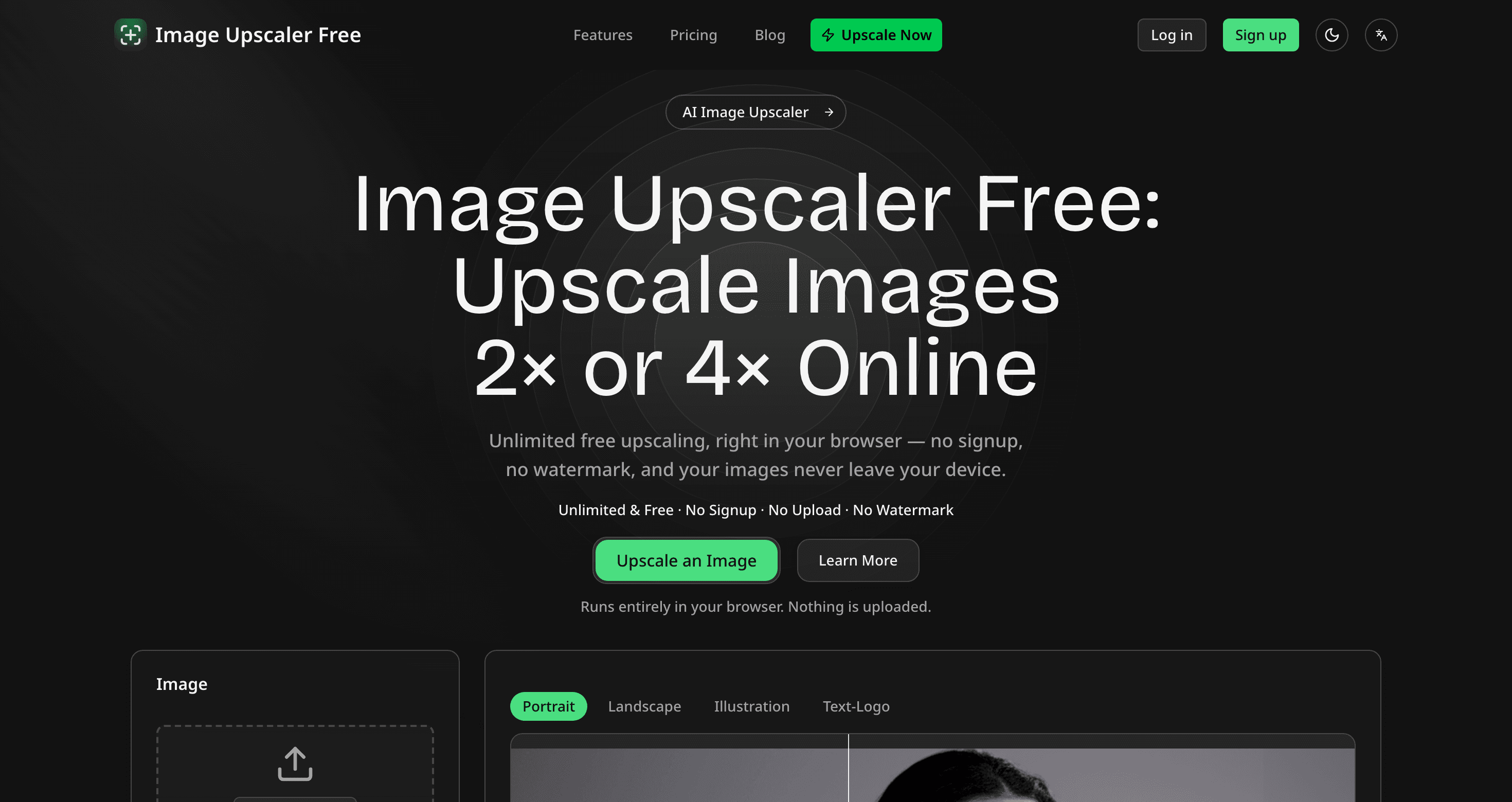
Notice the badge line under the headline: "Unlimited & Free · No Signup · No Upload · No Watermark". That's not just marketing copy — the tool works without an account, and the model runs in your tab rather than on a server.
Step 2: Upload your image
Drag and drop an image or click to browse. It accepts PNG, JPG and WebP up to 20 MB. Anything longer than 2048px on a side gets scaled to fit first — past that point the model has nothing left to add.
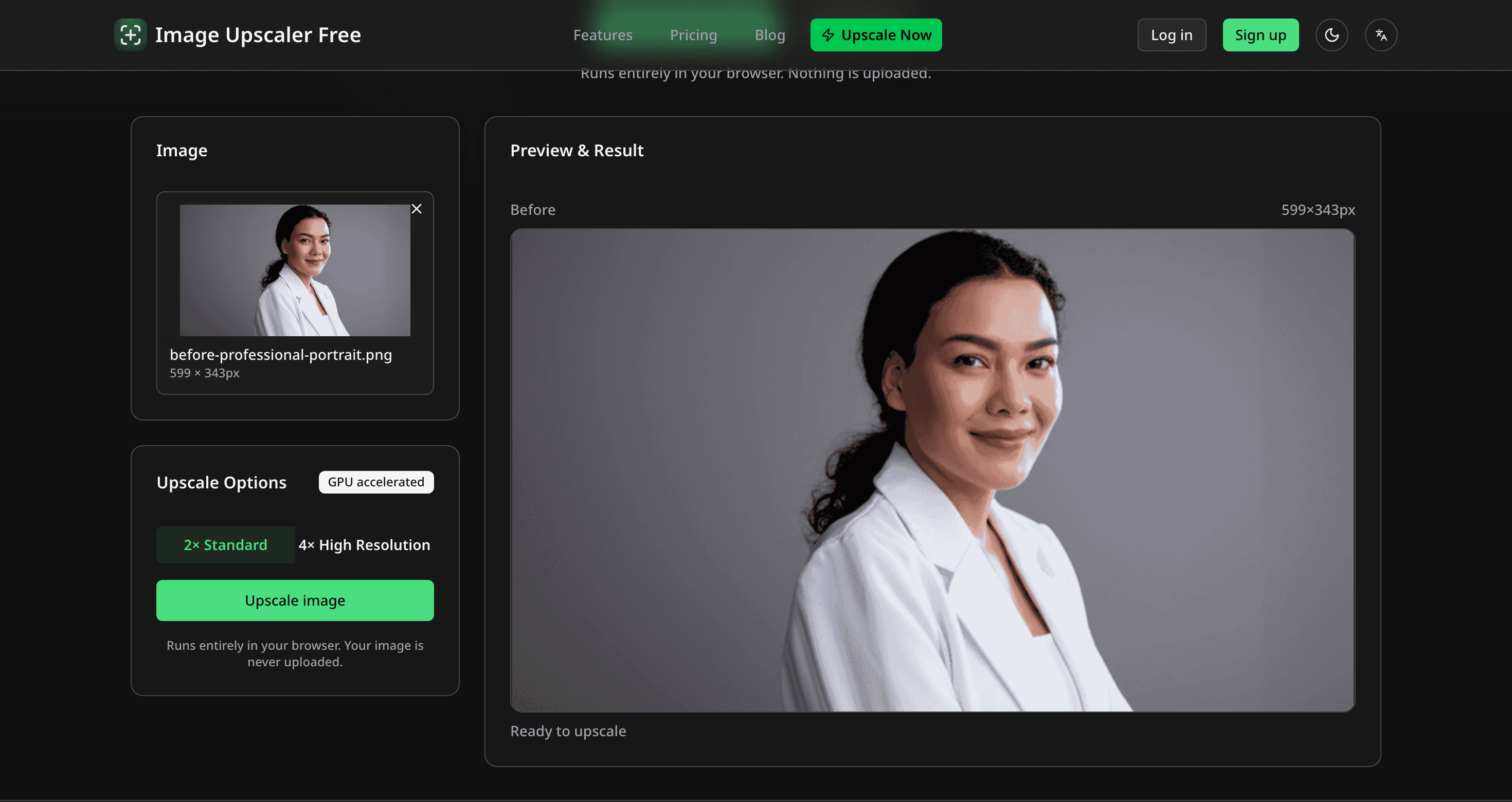
Pick 2x or 4x — both are free, with no daily counter to watch. Then hit "Upscale image."
Step 3: Compare the result
The first run downloads the model file into your browser; after that it is cached and every later image starts immediately. When it finishes you get a side-by-side comparison with a slider you can drag.
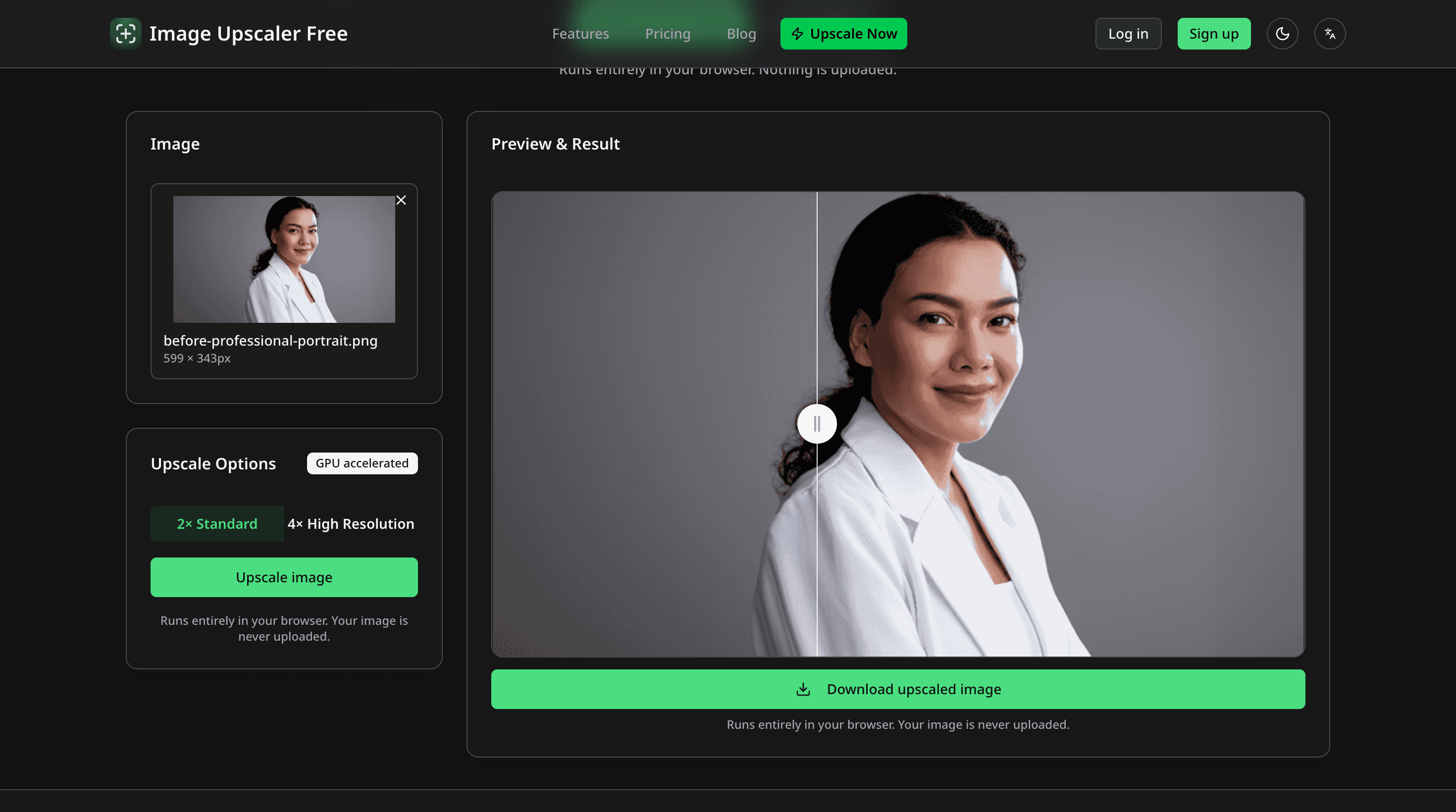
The AI fills in detail that wasn't in the original — sharper edges, cleaner skin texture, more defined features. It runs an open-source SPAN model (the 2x and 4x NomosUni weights) directly in your browser. Not Real-ESRGAN, which most online upscalers use: the usual Real-ESRGAN exports rely on an operator that browsers can't run on the GPU, so every one of those layers would fall back to the CPU.
Step 4: Download
Click the green "Download upscaled image" button. The file downloads directly to your computer. No email required, no watermark, no catch.
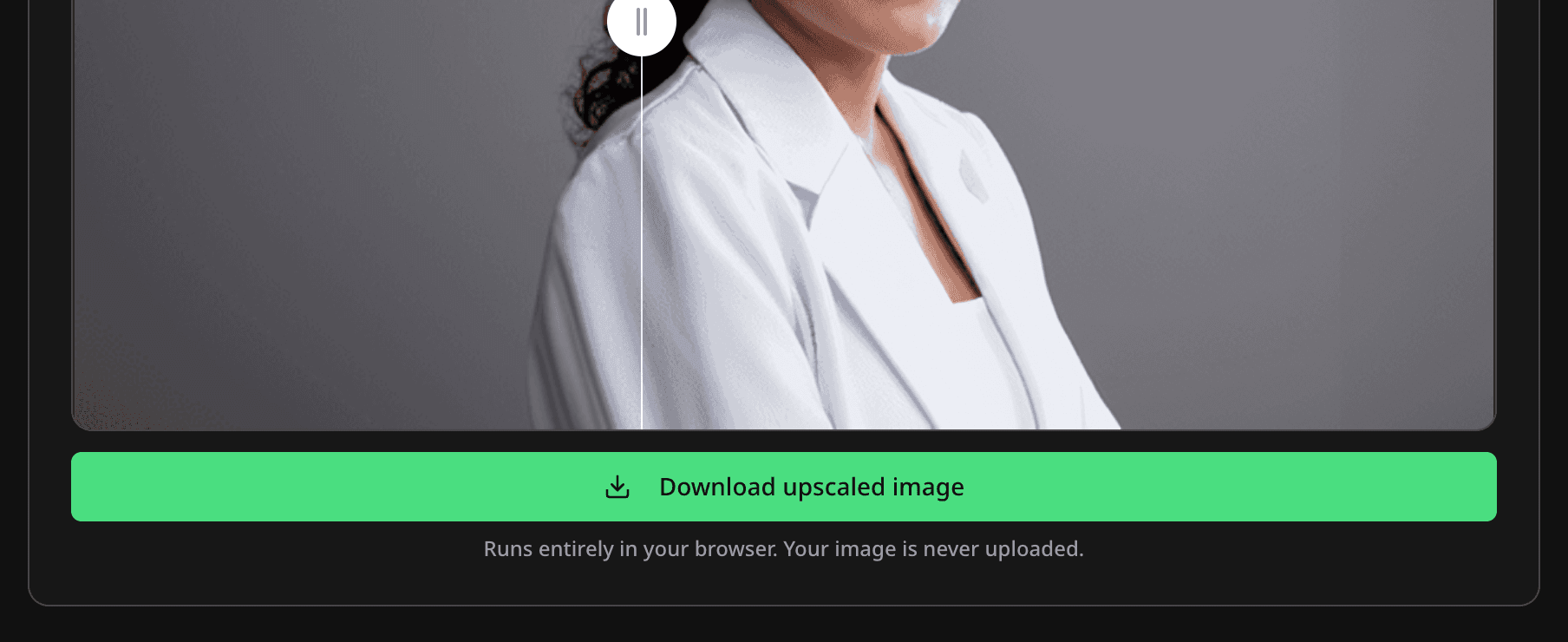
There is no expiring link and no cleanup job, because there is no server copy — the file was created in your browser and saved straight to your disk.
What you should know (the honest part)
I'm not going to pretend this has no limitations. Here's what it doesn't do:
A download on first use. The model has to reach your browser before it can run, so the first upscale of a session waits on a few megabytes. It's cached afterwards.
Speed depends on your machine. Browsers that support WebGPU run it on the graphics card and finish quickly. Where WebGPU is missing, it falls back to the CPU and gets noticeably slower — an older phone will feel that.
2048px max input, 4096×4096 max output. Bigger inputs are scaled to fit first. A 4x upscale of a phone photo would be a several-hundred-megabyte buffer, which a browser tab cannot hold.
JPG, PNG and WebP only. No HEIC. If you're on an iPhone, export as JPG first.
Other tools that don't require sign-up
My tool isn't the only option. Here are others I've personally tested that genuinely work without an account:
Upscayl — Free, open-source desktop app. Runs locally, so no upload needed. Unlimited usage, supports up to 16x, and goes well past the resolution ceiling a browser tab can hold. The downside is you need to install it and have a decent GPU. Best option if you upscale large batches regularly.
iLoveIMG — Web-based, no limits, no account. Quality is a step below AI upscalers (results tend to be soft), but if you need "good enough" in bulk, it works.
Pixelcut — Web-based with a few free upscales per day. Quality is very good, especially for product photos. No account needed for basic use.
Why do most upscalers require sign-up?
Short answer: it's how they make money. When you sign up, they get your email. They can send you marketing emails, push you toward paid plans, and track your usage. The sign-up wall is a growth strategy, not a technical requirement.
There's no technical reason an image upscaler needs your email address to function. The AI model doesn't care who uploaded the image. It just processes pixels.
I chose to make Image Upscaler Free work without accounts because that's the tool I wanted to exist. It ended up going further than that: the model runs on your own device, so there is no usage for me to meter, nothing to charge for, and no image of yours on any server of mine.
When to upscale (and when not to)
AI upscaling works best on images that are small but reasonably clear. A 400px photo that's just low-resolution? Perfect candidate. A blurry, out-of-focus mess? The AI can make it bigger, but it can't fix blur. It'll just be a bigger blurry mess.
Good candidates: old photos, web thumbnails, social media downloads, screenshots, low-res product images.
Bad candidates: heavily compressed JPEGs with visible artifacts, blurry photos, images that are already large (upscaling a 3000px image to 6000px rarely improves anything visible).
If you just need to make an image bigger right now, without signing up for anything, give it a try. No account, no upload, no limit — it runs in the tab you already have open.
Author

Categories

Newsletter
Join the community
Subscribe to our newsletter for the latest news and updates